Shopping Cart
Total: $0
30 days return, one year warranty for all items




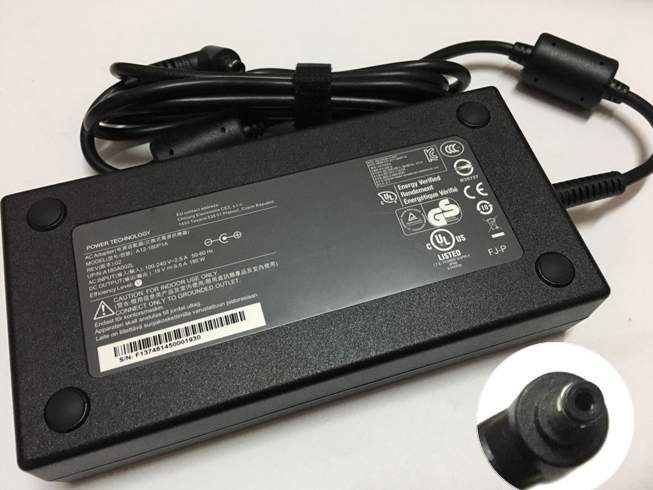
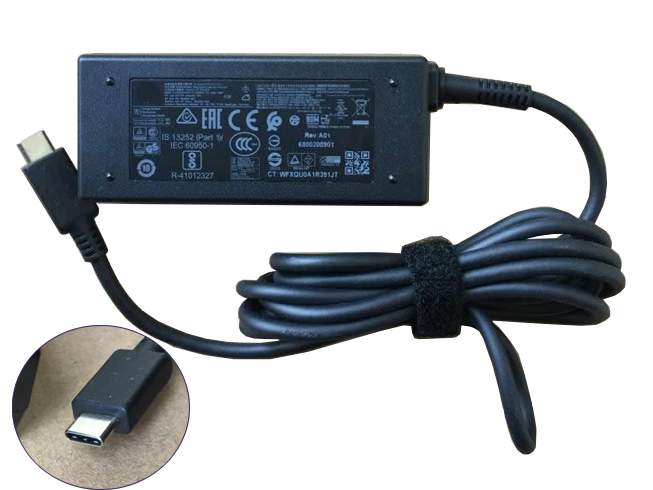
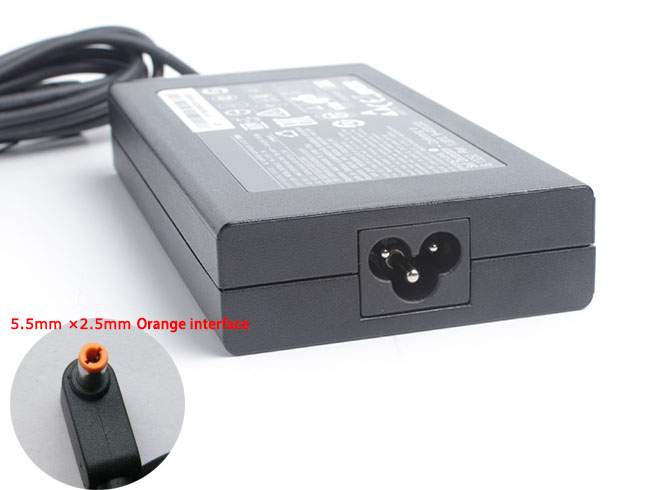
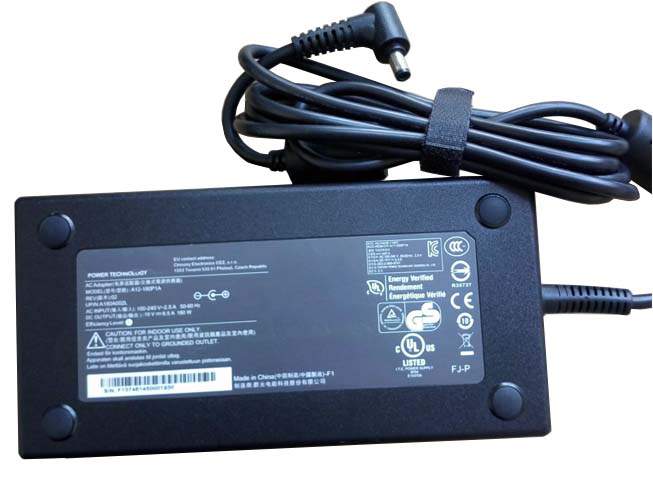
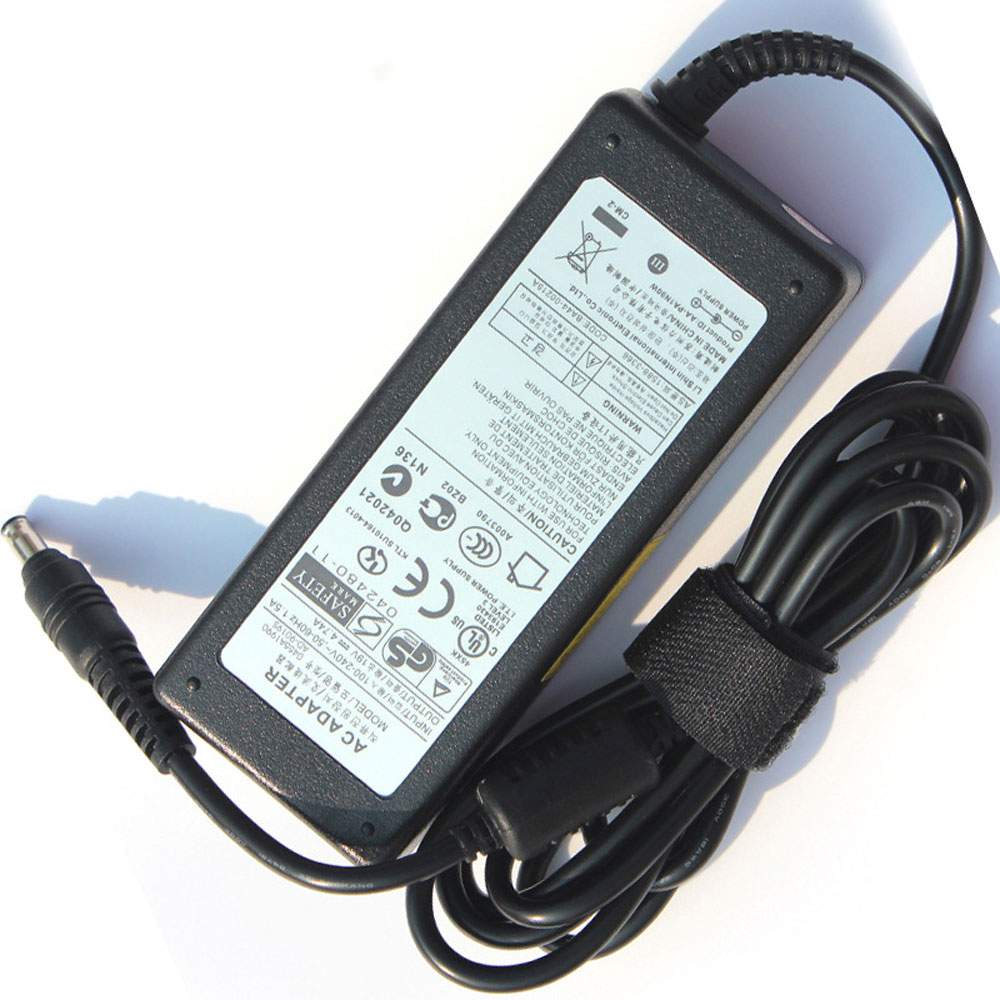
Our Asus ADP-180TB replacement Laptop Adapter is the ideal replacement for your ADP-180TB device. Simply connect the adapter to your device and you can once again begin using it.

Compatible Part Numbers:
ADP-180TB K, A22-180P1A
Compatible Models:
for Asus ROG Zephyrus G14 GA403UI-XS96
for Asus ROG Zephyrus G14 2024 GA403 GA403U GA403UG
for Asus ROG Zephyrus G14 GA403UI
for Asus ROG Zephyrus G14 GA403UV-G14.R94060
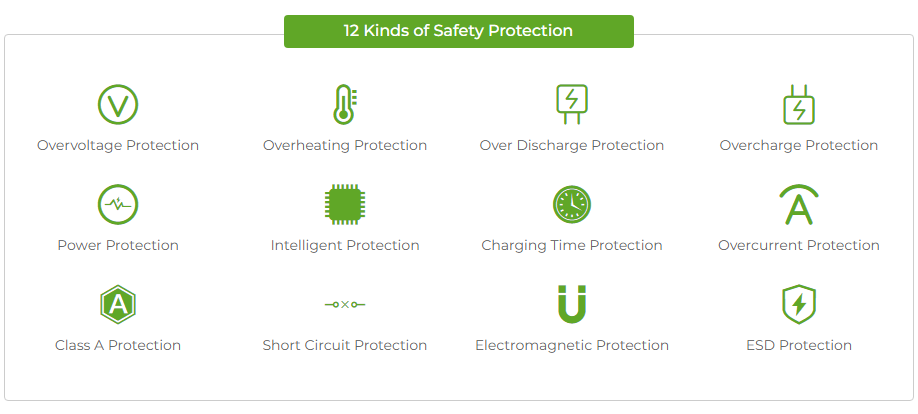
Asus ADP-180TB Laptop Adapter Tips
1.Make sure the Asus ADP-180TB adapter and cables are dry before connecting to the laptop or wall outlet.
2.Plug the AC adapter into the laptop. Check to see if the charge indicator is lit. If it lights up that means the laptop can recognizes it.
3.Due to the length of their cables,Asus ADP-180TB adapters can easily become safety hazards. To prevent people from tripping, make sure your power adapter's cables are never off the floor.
4.Using an AC power adapter that is not compatible with your laptop can damage the battery. Using voltage that is too low can force the laptop to rely partially on the battery. Too much voltage can destroy the battery.
5.Be certain that the adapter for Asus ADP-180TB is properly connected to the power port, as a loose connection canprevent the laptop from recognizing the adapter.
6.The Asus ADP-180TB Laptop Adapter plug for a laptop has to be cleaned when the plug appears dirty or corroded, or if the battery indicator blinks on and off intermittently, indicating a bad connection between the AC plug and the laptop jack. It will also take difficult for the AC adapter to recharge the laptop battery if the connection is going bad.
7.Problems with the laptop battery can affect the performance of the power adapter. If the battery is defective, the laptop may not recognize the power Asus ADP-180TB adapter.
8.As with laptops, which are typically placed inside laptop bags or padded envelopes, Asus ADP-180TB Laptop Adapter should be stored properly when not in use. The charger must never be exposed to extreme temperatures, such as those on a car's dashboard in the middle of summer or dead of winter.
Tags:Asus ADP-180TB Laptop Adapter ,Cheap ADP-180TB,ADP-180TB SG adapter,Asus ADP-180TB Chargers, 180W Asus ADP-180TB,replace ADP-180TB ,rechargeable ADP-180TB,Asus ROG Zephyrus G14 GA403UI-XS96.
Shipment Methods
Currently, all of our shipments are through Priority Mail (EMS USPS),if you are dealer,you can selected others .We can not offer Overnight (UPS Red) and 2nd Day Delivery (UPS Blue) .
Shipping & Handling
Your order will be dispatched within 48 hours.
Estimated Delivery Time:7 - 15 Business Days
It is very easy for you to check the status of your order and locate the package during transit, as an email with a tracking number will be sent to your email address after your order has been shipped out. Tracking number will be emailed to buyer once your ordered item is shipped out.
Shipping rates: Our rates include the expenses of shipping, handling and the high quality packaging.
Attention: Priority mail will be used for all PO Box shipping addresses ,But All APO's and military addresses do not apply here. Please use standard shipping for these. Thank you.
Payment Methods
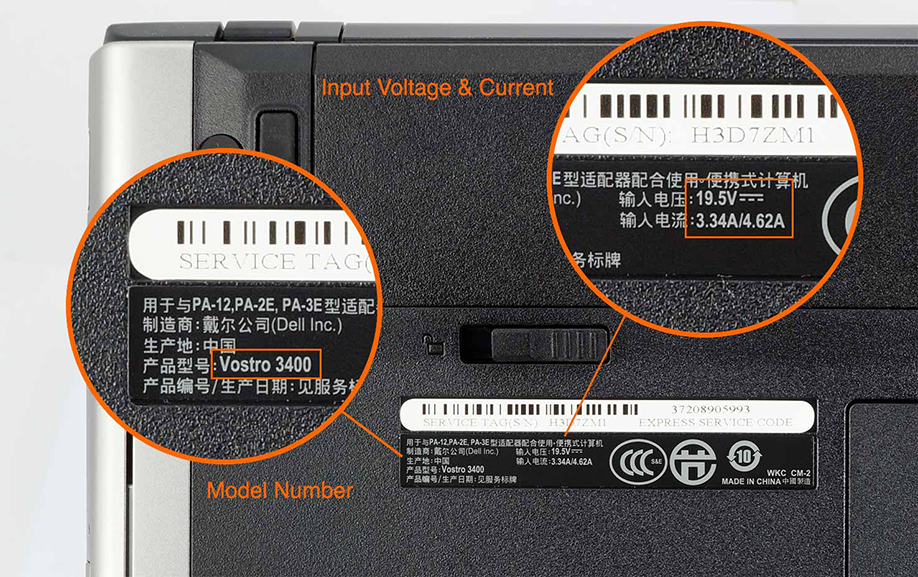
How to find the correct product
Your device owner's manual should have the brand and model number on the front cover. In addition, most devices have a manufacturering label on the bottom of your device. This label should have the brand and model number on it.
If you are purchasing an adapter, you should verify the device's model number, input voltage and current before placing an order.
We work exclusively with the leading battery manufacturers who have certifications from the top organizations worldwide. At the same time, we strictly follow all the international standards and all the quality controls in our manufacturing products.Every product stands to your door with warranty of 1 years.
Write to us:info@batteriesceo.com


Copyright © 2026 Batteriesceo.com. All rights reserved.